
Attack Shark X3 Pro Wireless Gaming Mouse – 26,000 DPI | PAW3395 | Tri-Mode


Attack Shark X3 Pro Wireless Gaming Mouse – 26,000 DPI | PAW3395 | Tri-Mode
Attack Shark X3 Pro Wireless Gaming Mouse – PAW3395 | 26,000 DPI | Tri-Mode
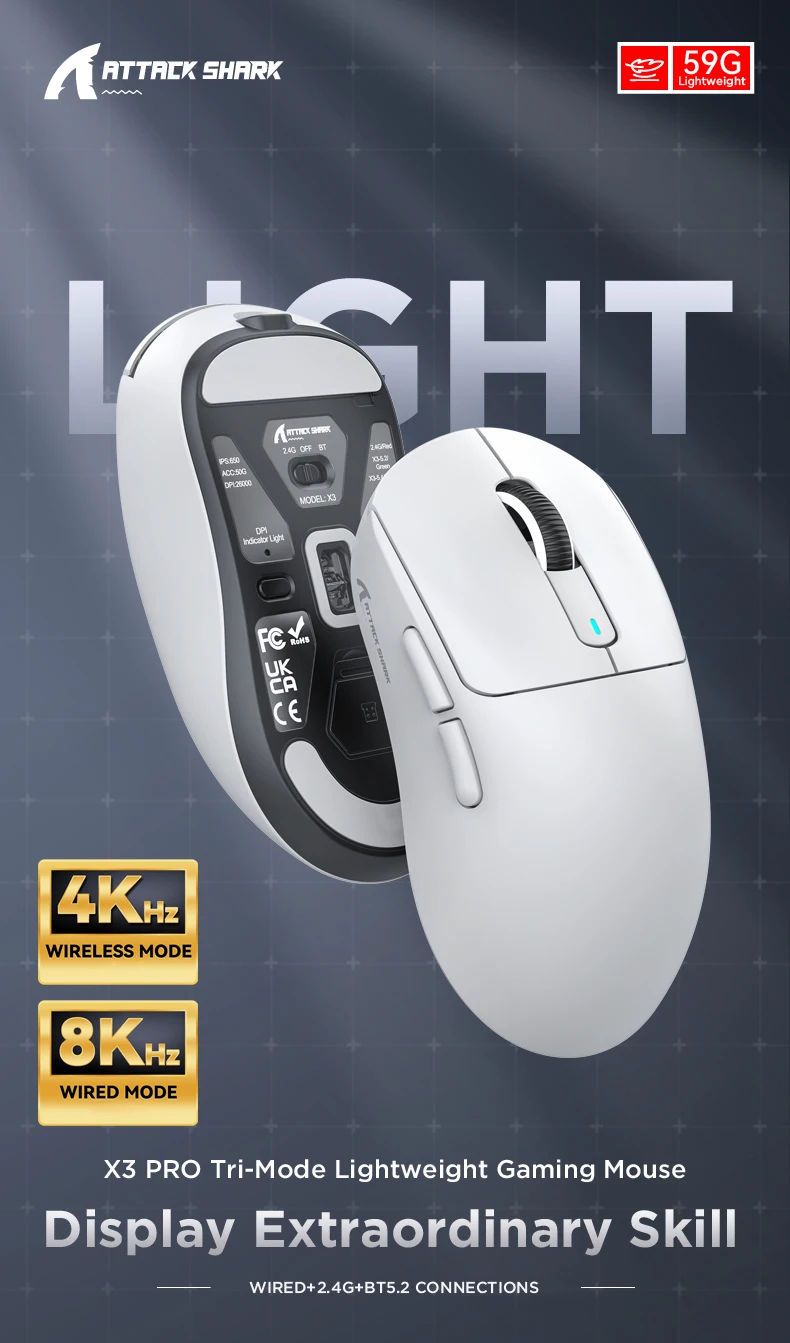
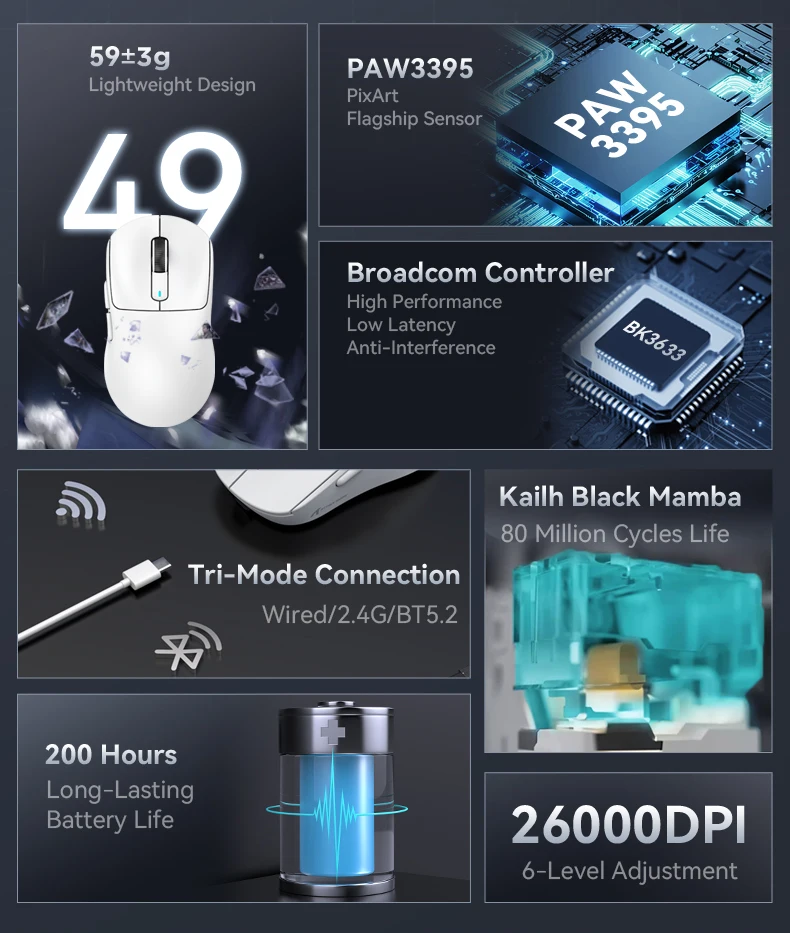
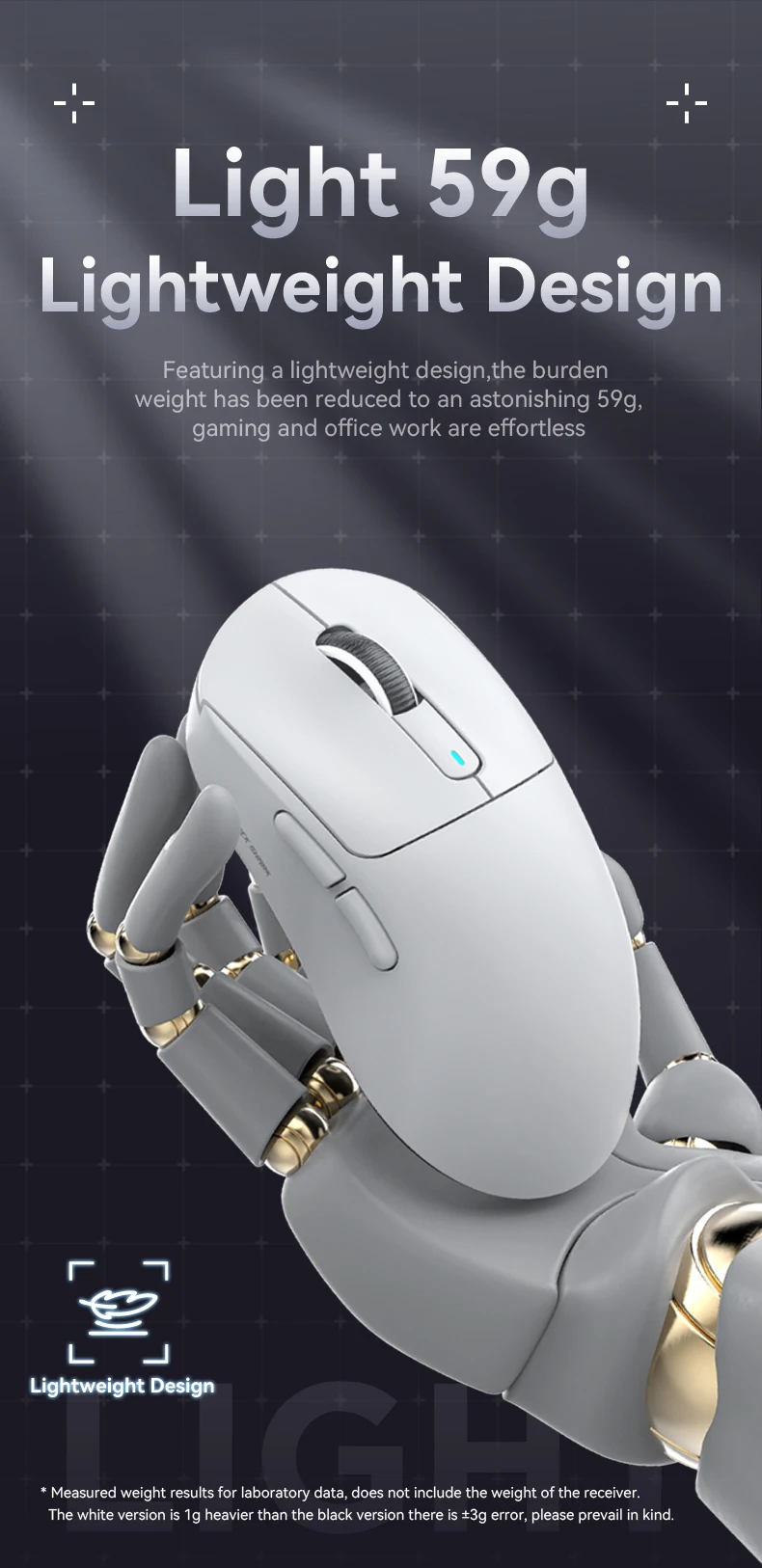
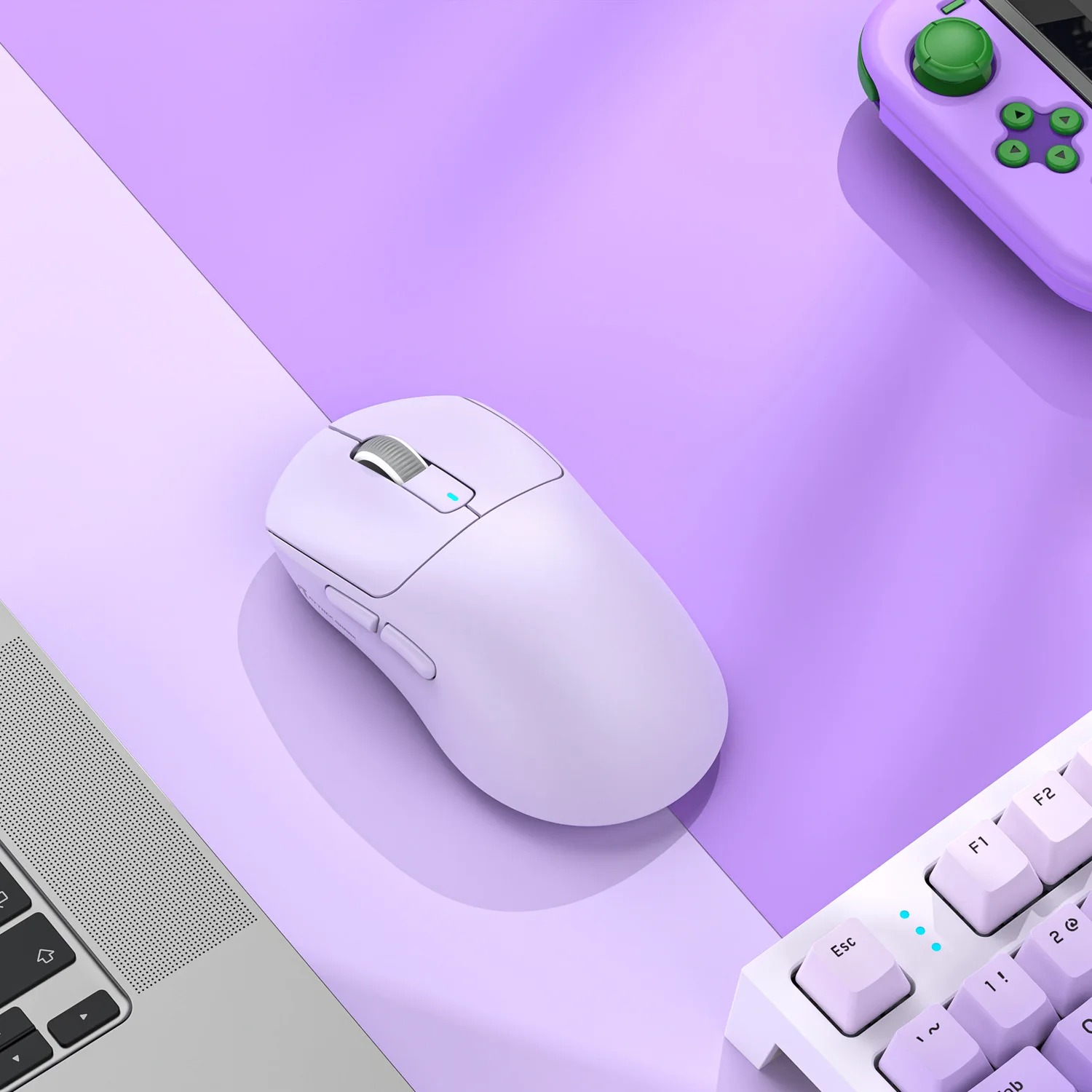
Take your gaming to the next level with the Attack Shark X3 Pro, an ultra-lightweight wireless gaming mouse designed for players who demand precision, speed, and comfort. Equipped with the powerful PixArt PAW3395 sensor, up to 26,000 DPI, and weighing only 59 g, the X3 Pro delivers top-tier performance for both competitive and casual gamers.
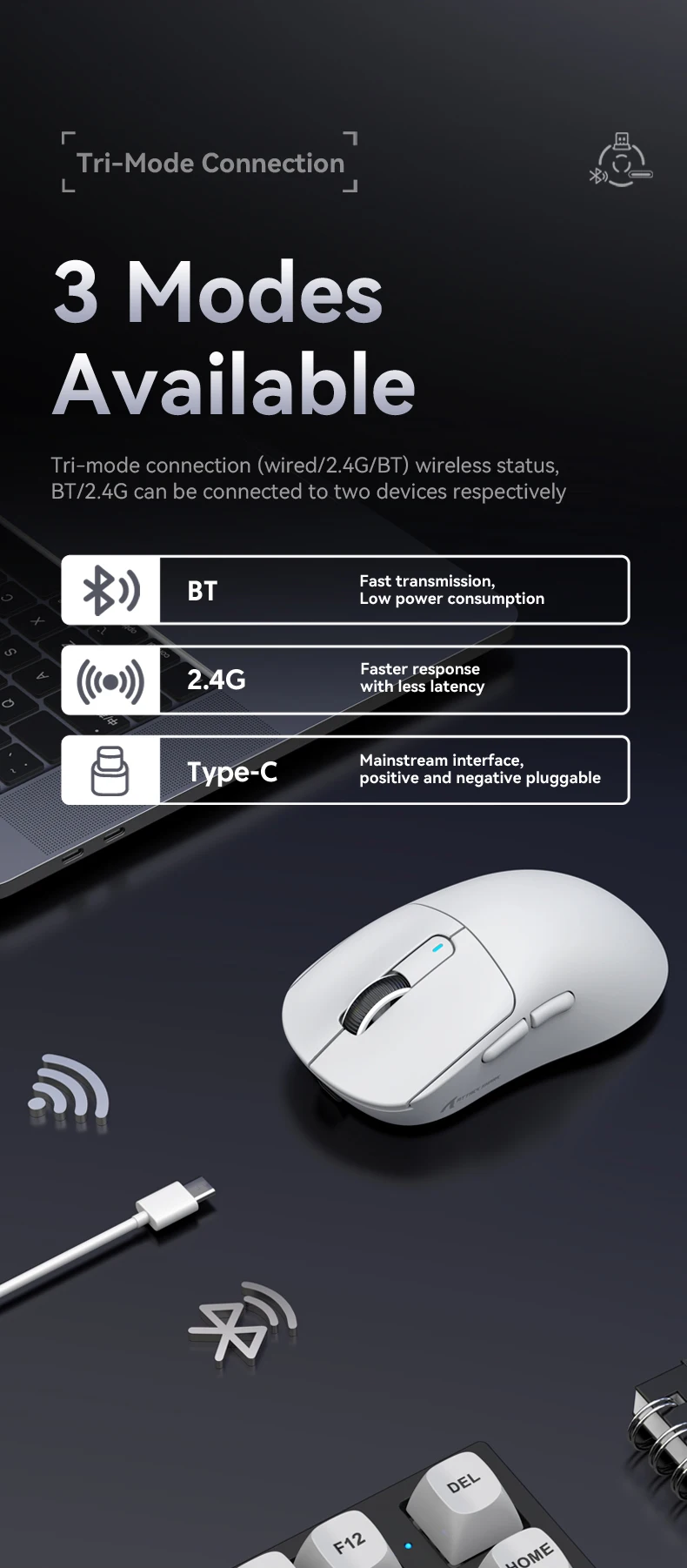
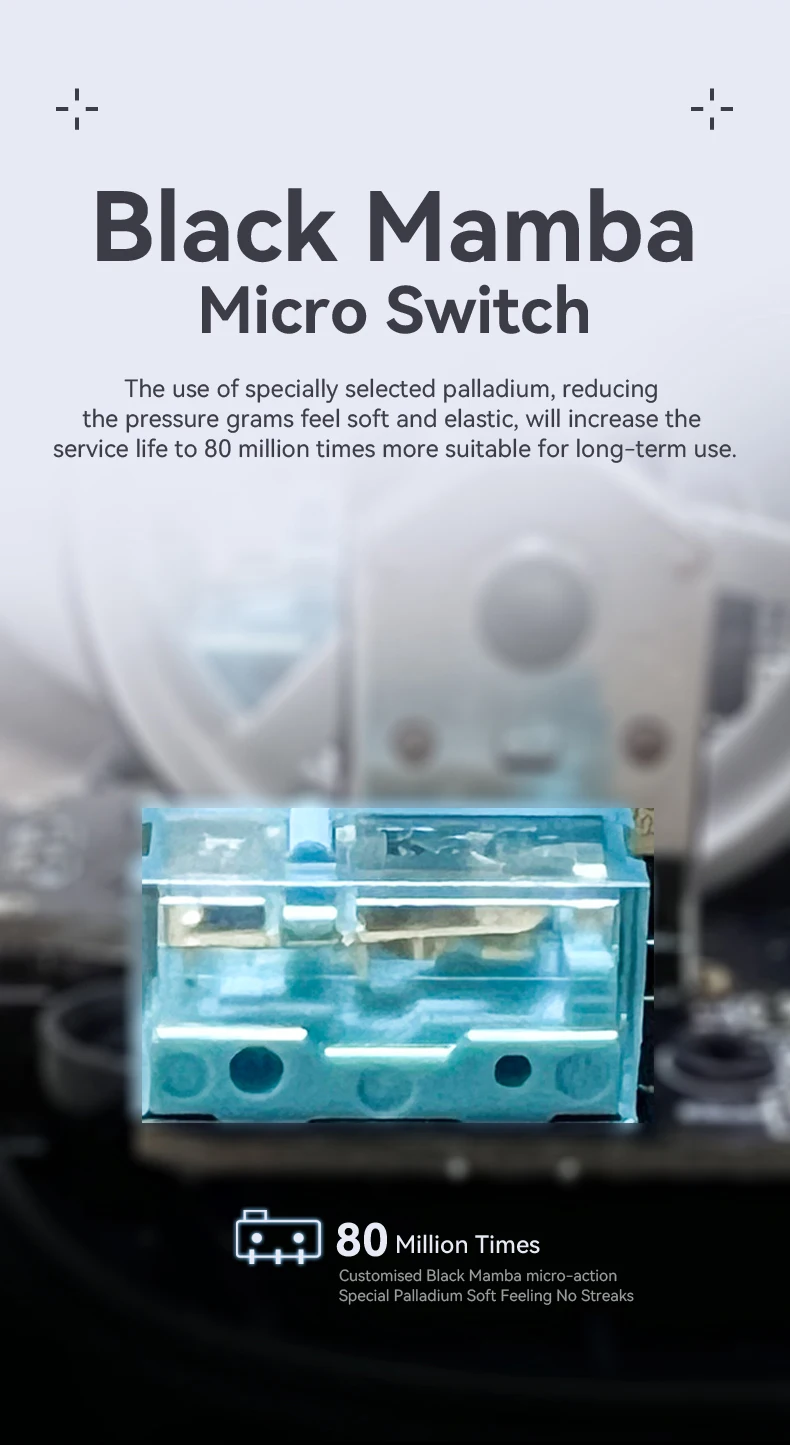
With Tri-Mode connectivity, you can seamlessly switch between 2.4GHz wireless, Bluetooth 5.2, and USB-C wired mode to suit your preferred playstyle. Durable Kailh Black Mamba switches, rated for up to 80 million clicks, provide lightning-fast response and exceptional durability, even during the most intense gaming sessions.
Features
🖱️ Ultra-lightweight design – only 59 g
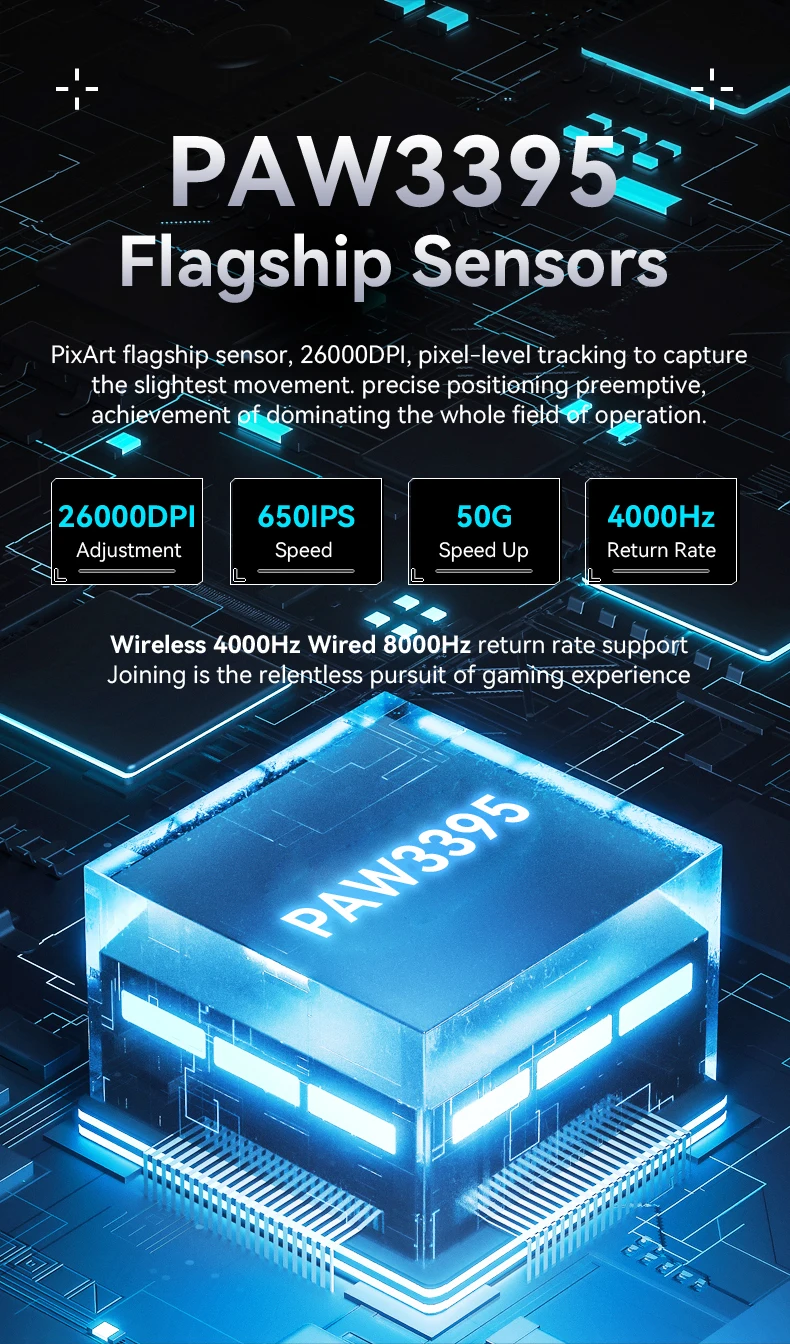
🎯 PixArt PAW3395 optical sensor
⚡ Up to 26,000 DPI
🚀 Up to 650 IPS tracking speed
💥 Up to 50G acceleration
📡 Tri-Mode connectivity (2.4GHz / Bluetooth 5.2 / USB-C)
🎮 Up to 4,000Hz polling rate (X3 Pro)
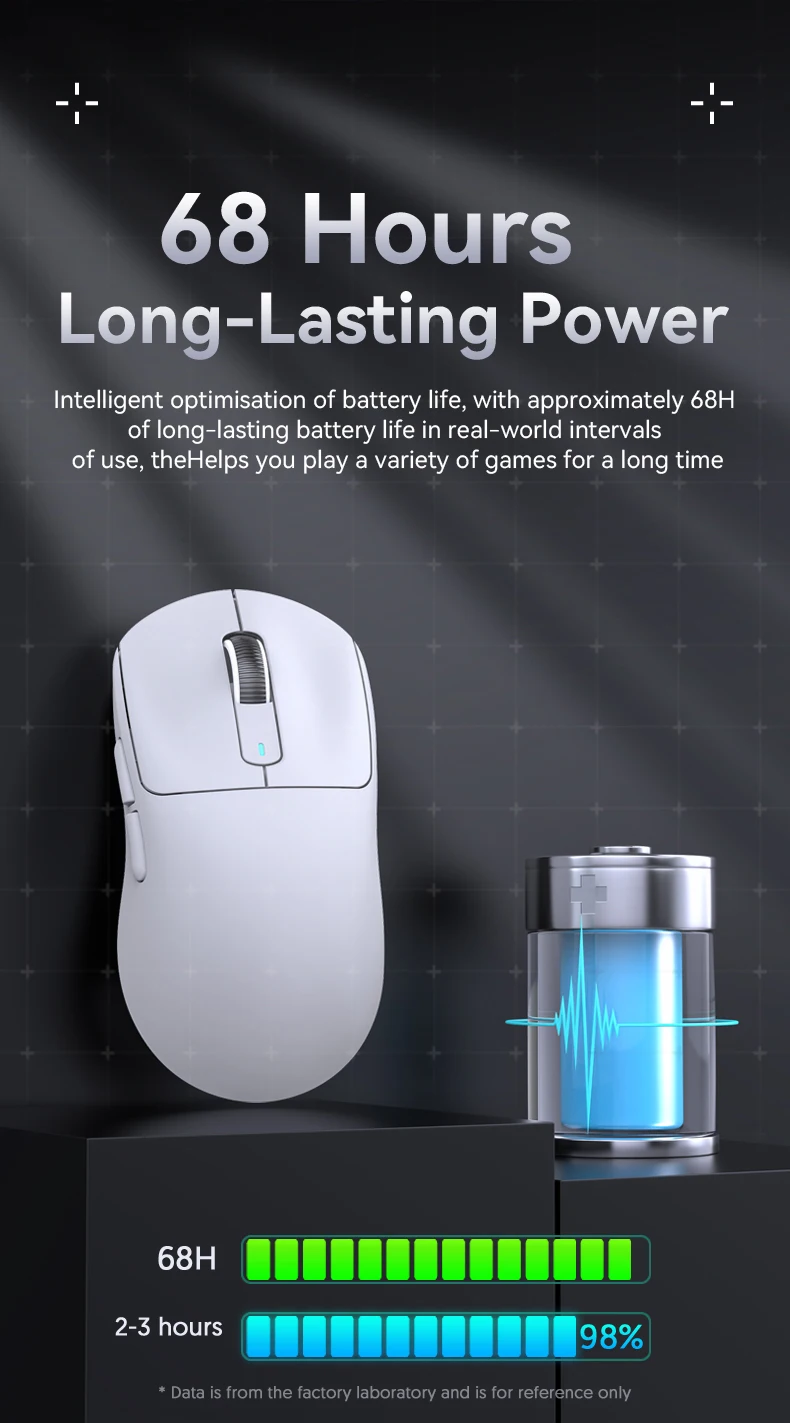
🔋 Up to 65 hours of battery life
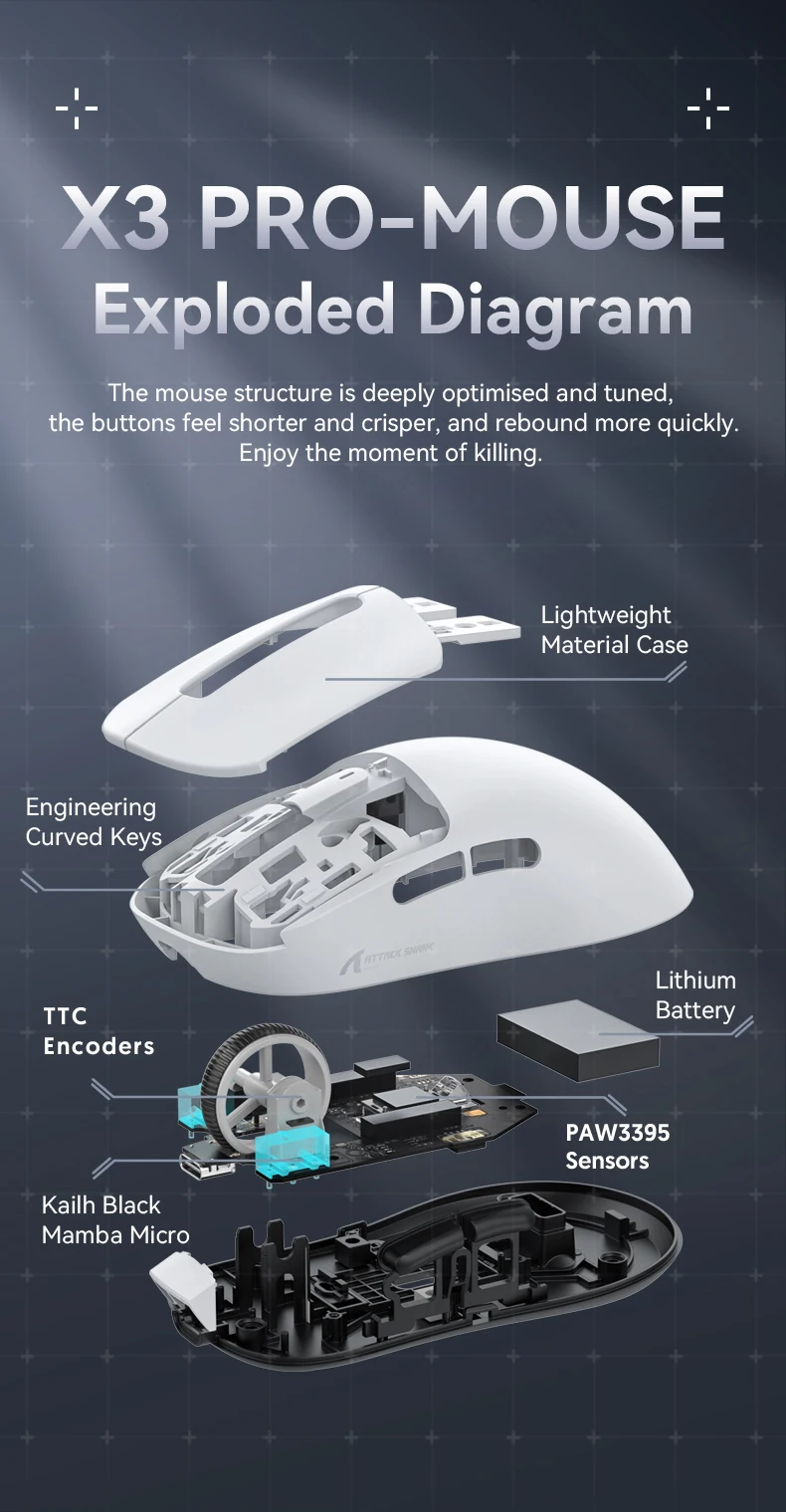
🛡️ Kailh Black Mamba switches rated for up to 80 million clicks
🎛️ Adjustable DPI and programmable functions
Specifications
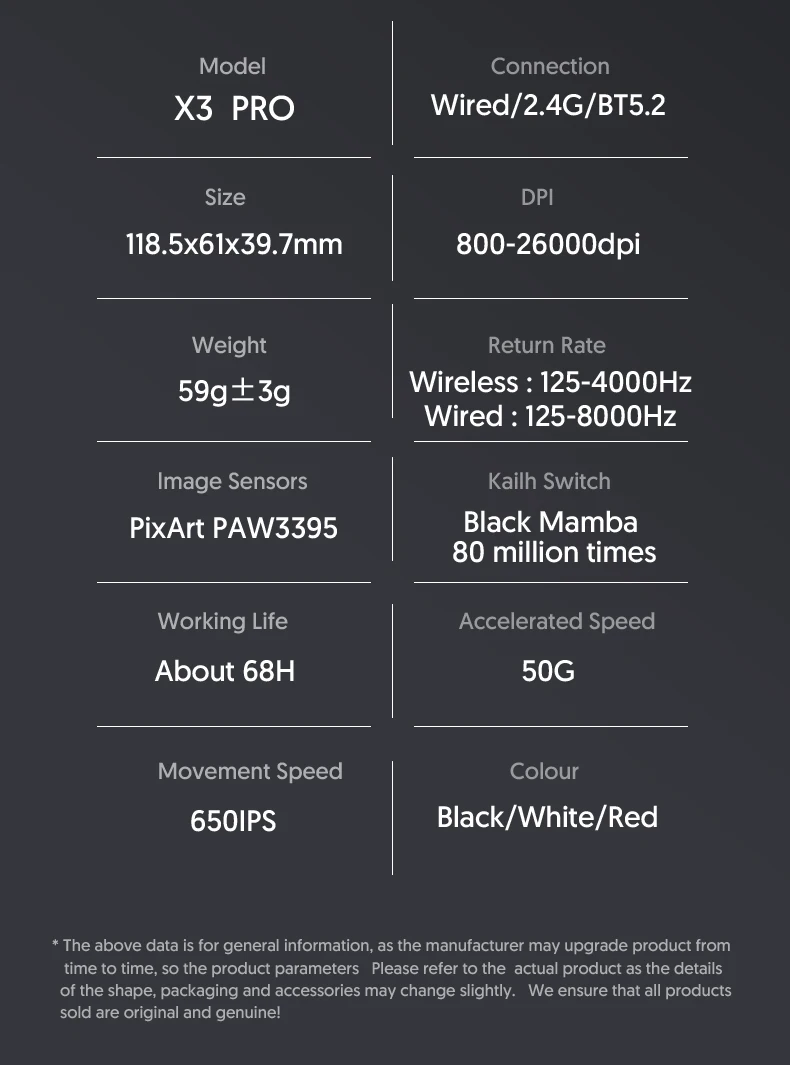
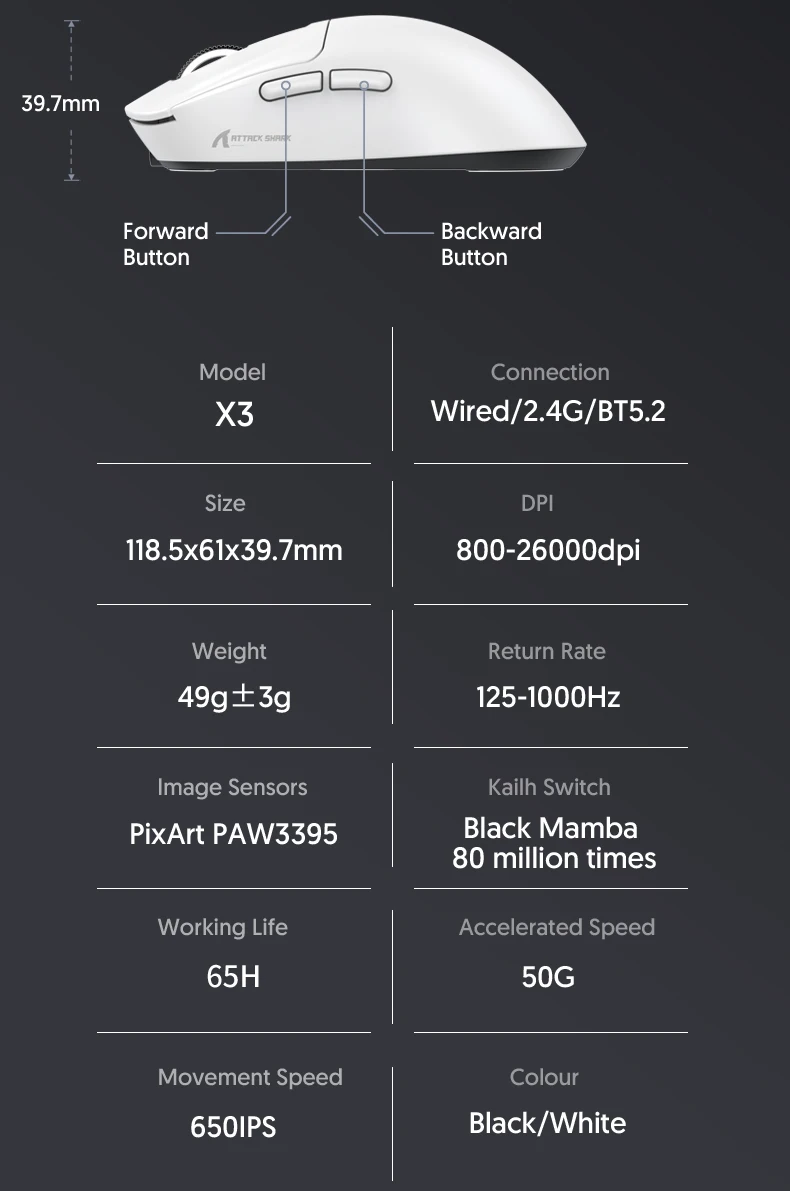
Model: Attack Shark X3 Pro
Sensor: PixArt PAW3395
DPI: 800–26,000
Acceleration: 50G
Tracking Speed: 650 IPS
Polling Rate: Up to 4,000Hz
Connectivity: USB-C, 2.4GHz Wireless & Bluetooth 5.2
Battery Capacity: 300 mAh
Battery Life: Up to 65 Hours
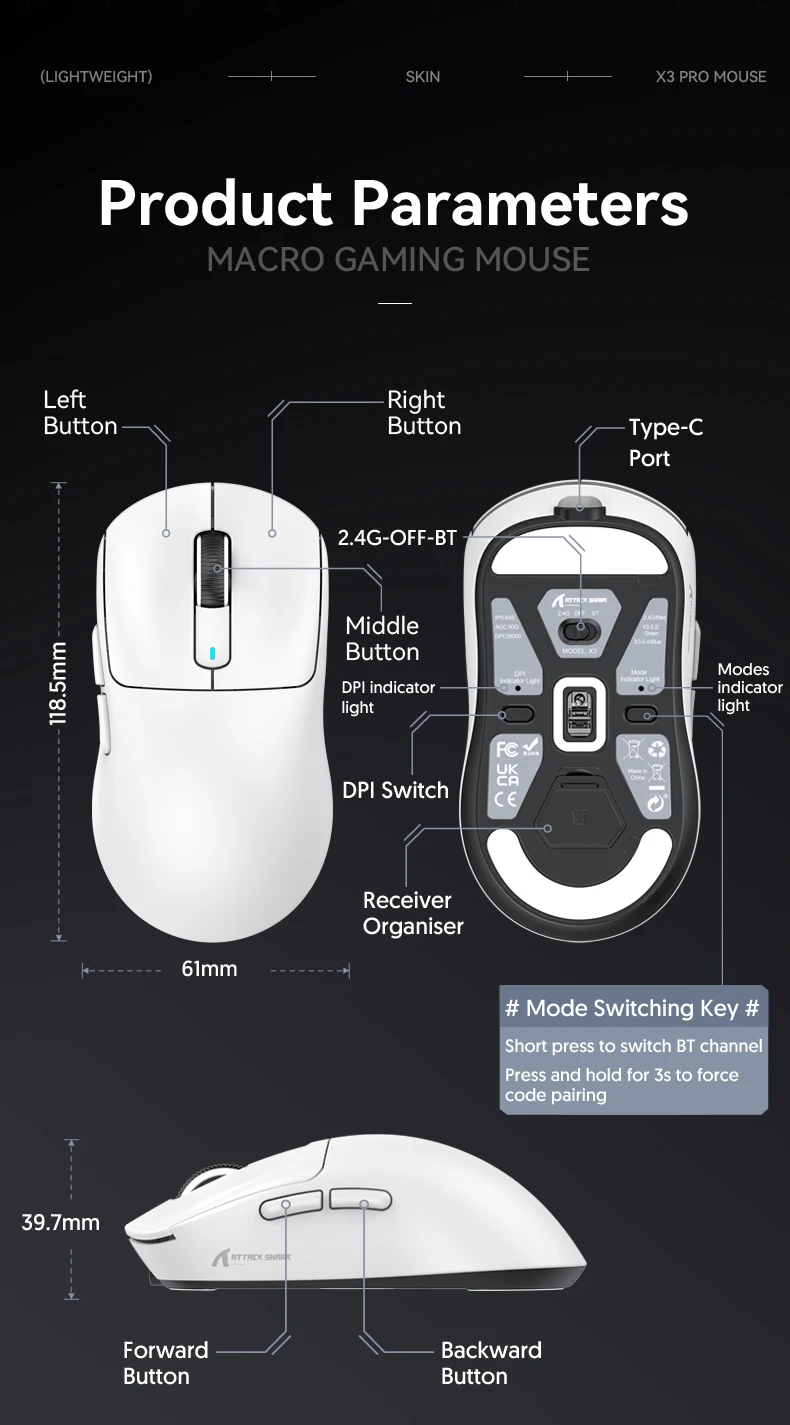
Weight: 59 ±3 g
Dimensions: 118.5 × 61 × 39.7 mm
Compatibility: Windows, macOS, and other devices with Bluetooth or USB
What’s Included
📦 1 × Attack Shark X3 Pro Wireless Gaming Mouse
📦 1 × USB-C Charging Cable
📦 1 × 2.4GHz USB Receiver
📦 1 × User Manual
Why Choose the Attack Shark X3 Pro?
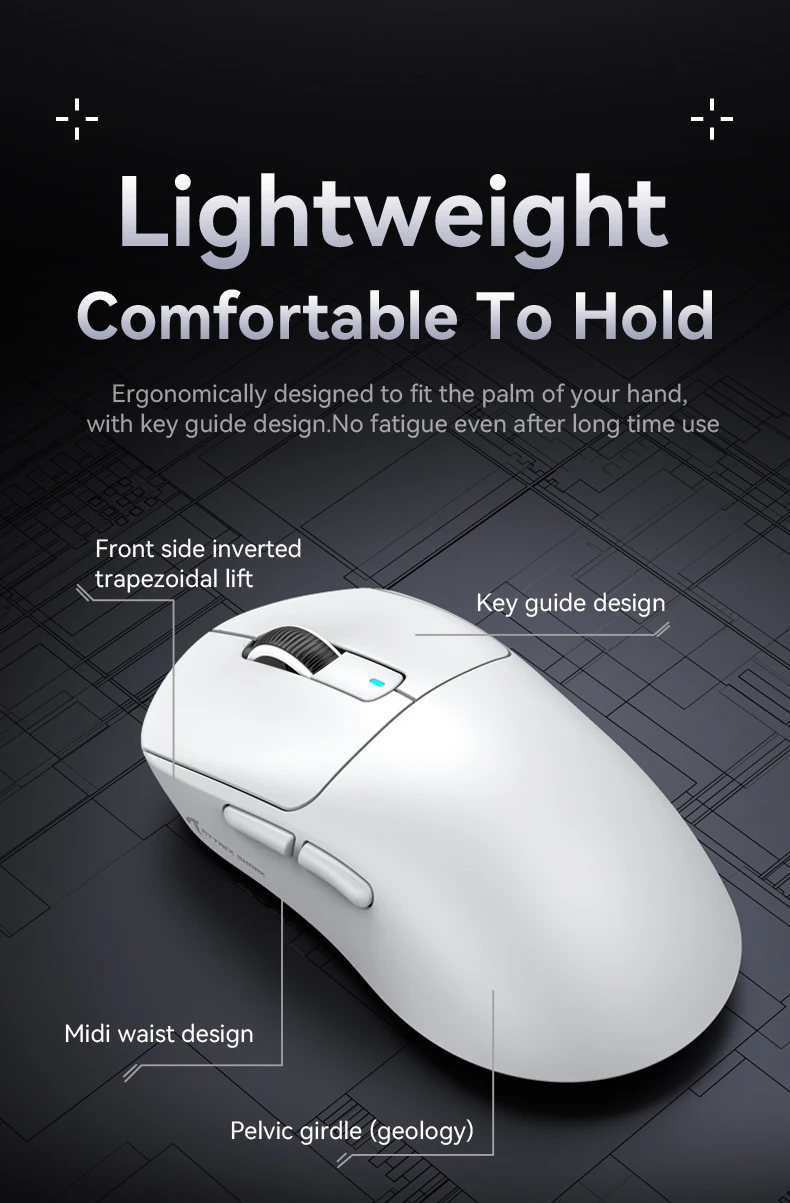
The Attack Shark X3 Pro combines an ultra-lightweight design, exceptional precision, and lightning-fast responsiveness in a sleek and modern package. Powered by the flagship PixArt PAW3395 sensor, versatile Tri-Mode connectivity, and long-lasting Kailh Black Mamba switches, it’s an excellent choice for competitive FPS players, MOBA gamers, content creators, and everyday users looking for premium performance.
Perfect For
🎮 FPS Games (CS2, Valorant, Apex Legends)
⚔️ MOBA Games (League of Legends, Dota 2)
🏎️ Racing & Simulation Games
💻 Work & Productivity
🎥 Streaming & Content Creation
📚 Studying & Everyday Use
Upgrade Your Setup Today
🎮 Upgrade your gaming setup with the Attack Shark X3 Pro Wireless Gaming Mouse and experience lightning-fast reactions, unmatched precision, and complete control in every game.


X3 mouse application Link:
http://en.freewolfgaming.com.cn/Download.aspx?ClassID=26&page=1
After opening the link, click on X3 Mouse Driver (English) to download.
X3Pro mouse application Link:
http://en.freewolfgaming.com.cn/Download.aspx?ClassID=26&page=2
After opening the link, click on Attack Shark X3pro Mouse Driver to download.
X3pro driver release cloud driver version, you can set it by opening it on the webpage.
cloud driver: ttps://app.qmk.top/
If there is any incompatibility with the cloud driver.,You can also choose the conventional driver installation method.
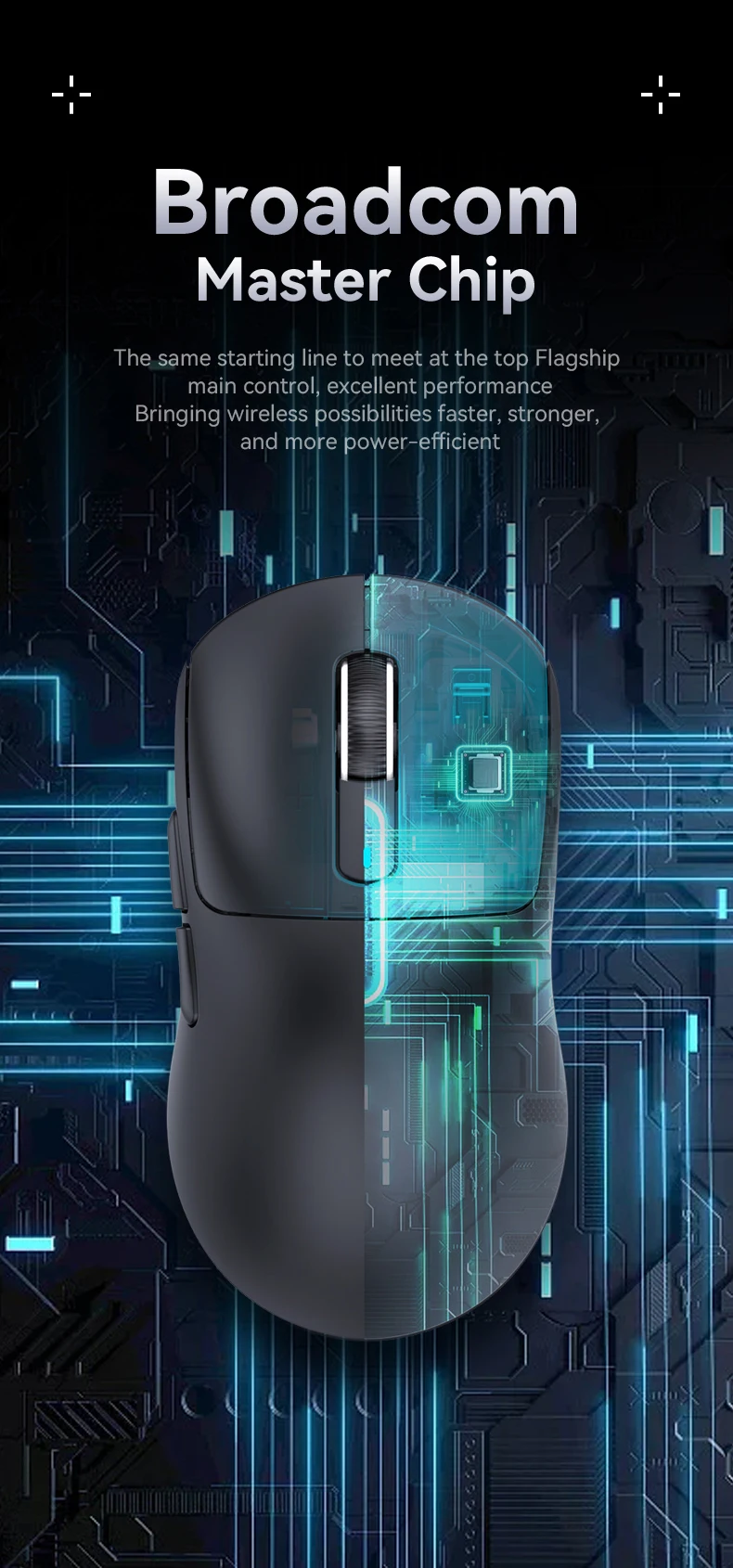
X3PRO only needs to use a standard Nano dongle to achieve a polling rate of up to 4000Hz in wireless mode or 8000Hz in wired mode, the response time is reduced from 1ms at 1000Hz to as low as 0.125ms. More responsive cursor movements captured with faster trigger response guarantees unparalleled performance, securing your triumph when it truly counts!
Tri-mode connection(wired/2.4G/BT) wireless status,
BT/2.4G can be connected to two devices respectively
Macro Drivers:
One app for total control. dpi adjustments, payback rates,custom macros,A range of configurations such as keystrokes and programming can be set and saved in the driver.
Packaging List:
1. Mouse
2. Receiver(X3Pro mouse: with 4k receiver)
3. Instruction Manual
4.Type-C Charging Cord
Please use the APP in 2.4G or wired modes, Recommend using in wired mode.
The mouse Support MAC OS, and the APP only supports the windows OS.